



Settings you can make today
Require two-factor for every staff account in Settings › Security. Set an auto-lock on the reception tablet and any shared phone. Check roles in People › Staff: anyone who is an admin and does not need to be, make a manager.
Habits to teach
One account per human, always. Type the address — we never email a sign-in link; a message asking you to sign in is not from us. Lock the screen when you walk away. Use a password manager, even the one in the phone.
Habits for the owner
Deactivate on the day someone leaves. Read the audit log monthly, filtered to sign-ins and lockouts, looking for what you do not recognise. Keep your own export once a month somewhere of your own.
What an attack on a small landlord actually looks like
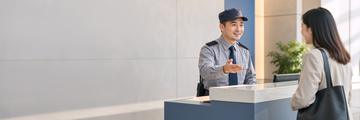
Not a hacker in a hoodie. A tenant's relative who knows the reception tablet is never locked. A former cleaner whose account was never deactivated. An owner whose email password leaked from a shopping site and was the same one used here. Every one of those is stopped by a habit on this page and by none of the encryption on the others.
Was this useful?
Thank you — that is what it was written for.
Describes the platform as it is today. Something out of date? Tell us. · help 0.71.0